
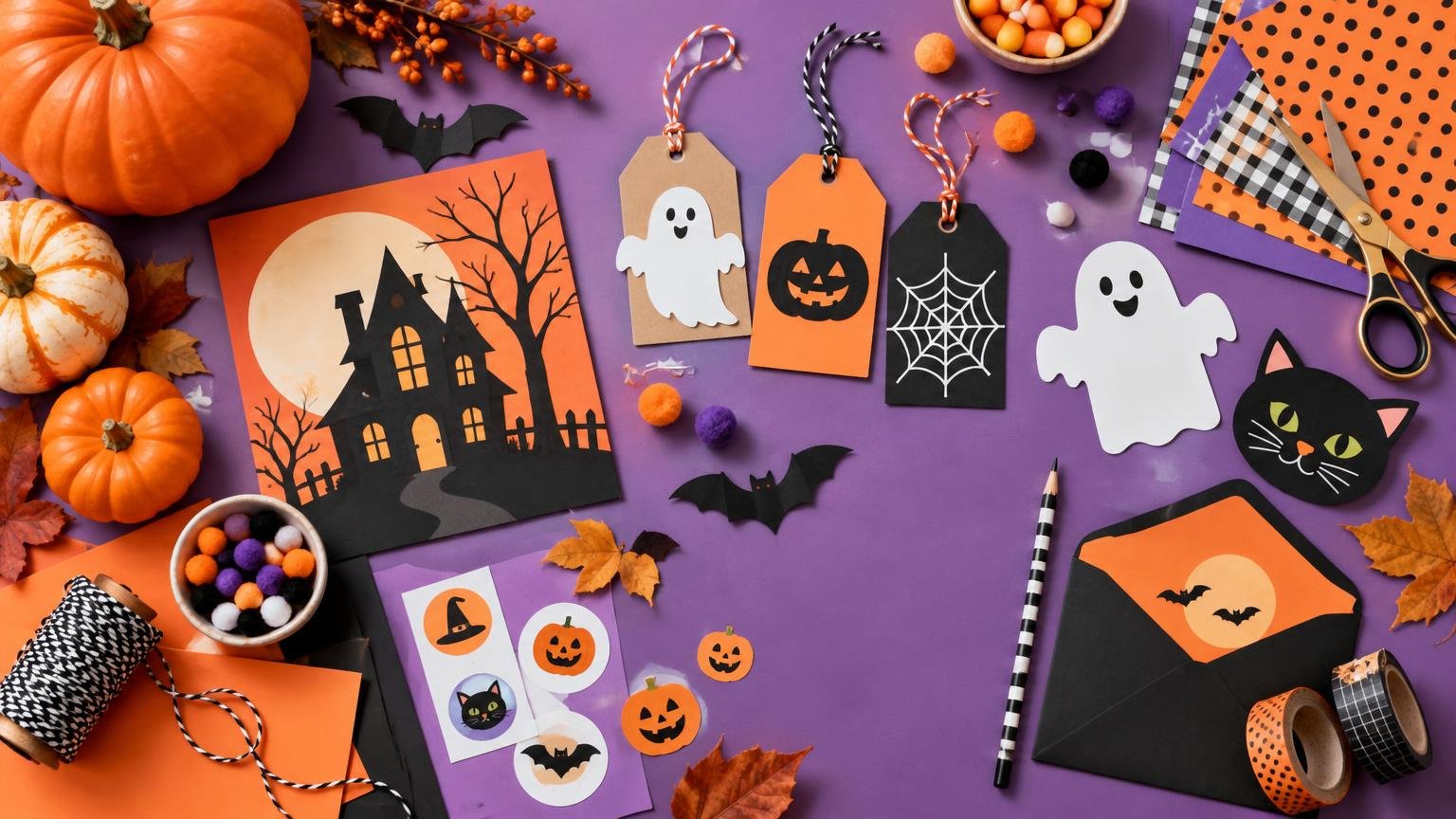
Halloween Printables, Decorations and Seasonal Craft Projects
Make seasonal decorations, cards, labels and crafts with practical ideas for materials, sizes, layouts and simple assembly.
Halloween Printables, Decorations and Seasonal Craft Projects
Seasonal projects work best when the pretty idea and the practical plan arrive together. Halloween Pictures covers Halloween printables, party pieces, paper crafts, decorations, invitations, cards, stickers, labels, and signs with a clear goal: help turn an occasion into something attractive that can be printed, cut, assembled, displayed, mailed, or handed to a guest. From a single gift tag to a full party table, the aim is a finished piece that feels intentional.
Halloween is the signature season, with room for spooky coloring pages, treat labels, party signs, classroom activities, window decorations, costume-party invitations, and favor stickers. The calendar continues through Christmas, Valentine’s Day, Easter and spring, the Fourth of July, Thanksgiving, birthdays, and other celebrations that call for a thoughtful visual detail. Whether a project is cheerful, eerie, elegant, or playful, its design should suit the audience and setting.
The focus stays on choices that affect the finished project. That includes useful dimensions, paper or material options, readable type, color and contrast, cutting and mounting methods, quantities, bleed, finish, and layout. Ideas should be specific enough to picture and practical enough to make, whether the result is one handmade card, a classroom activity, a window display, or a coordinated set of party materials.
Choose a Starting Point
Start with the occasion when you are gathering broad ideas. The holiday categories organize projects by mood, symbols, colors, and familiar event needs. They are useful when planning a full celebration, preparing a classroom theme, decorating a home, or deciding which pieces belong together before choosing a format. Choose Halloween for spooky-season details, or use another holiday category when its traditions and palette should lead the visual direction.
Start with the object when the task is already clear. Seasonal Printables centers on projects made for home or classroom printing; Crafts & Decorations focuses on assembly and display; Invitations & Cards centers on event information and stationery; and Stickers, Labels & Signs covers identification, packaging, favors, directions, and decorative graphics. Birthdays & Parties brings several of those needs together around an event, making it a useful place to begin when the celebration matters more than a single format.
Latest Seasonal Project Guides
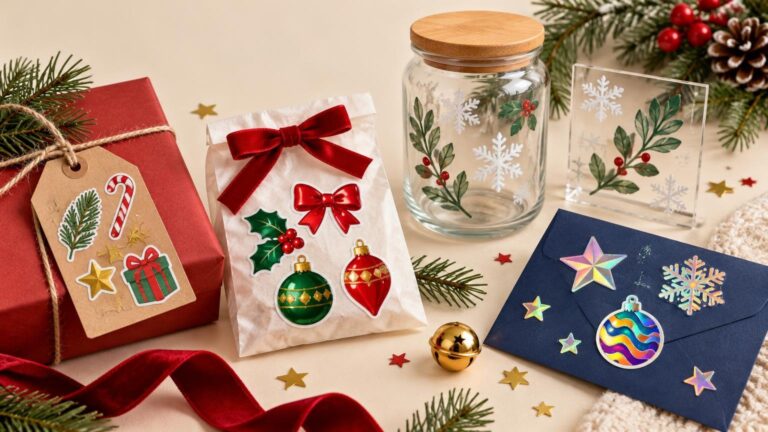
Holiday Sticker Materials: Matte, Glossy, Clear, and Holographic Ideas
Choose the right holiday sticker material for gift labels, favor bags, windows, jars, and packaging, with practical advice on finish, contrast, durability, and artwork.
Read more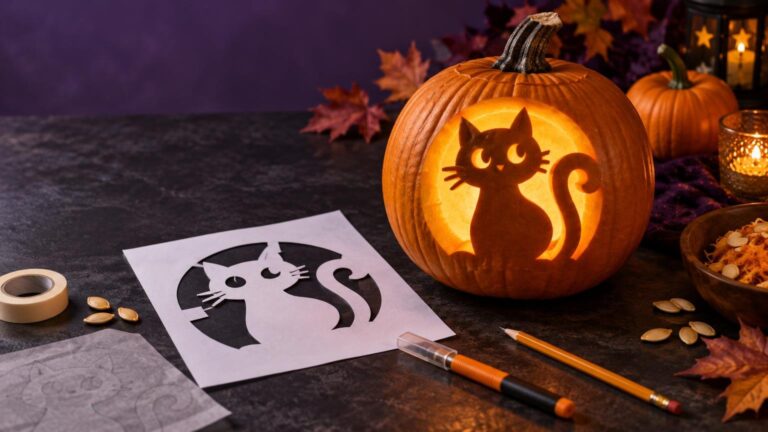
How to Turn a Simple Image Into a Better Pumpkin Stencil
Simplify any suitable image into a practical pumpkin stencil by strengthening its silhouette, removing fragile details, adding bridges, and planning how light will define the finished design.
Read more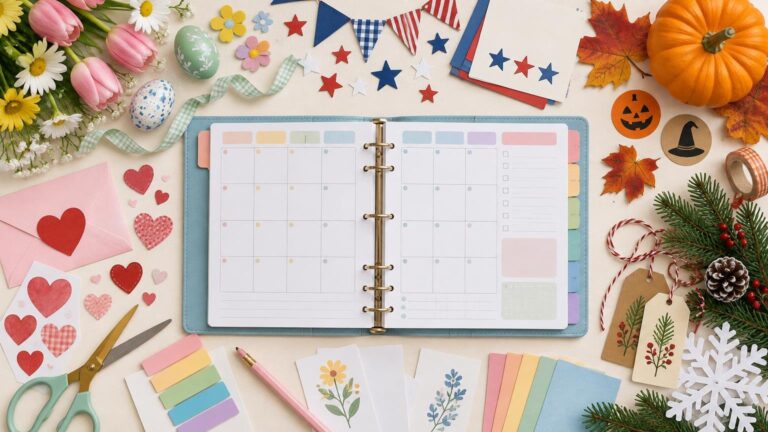
A Year-Round Holiday Printable Planner From Valentine’s Day Through New Year’s
Organize an entire year of celebrations with a printable holiday planner that tracks dates, decorations, crafts, menus, gifts, printing tasks, and deadlines.
Read more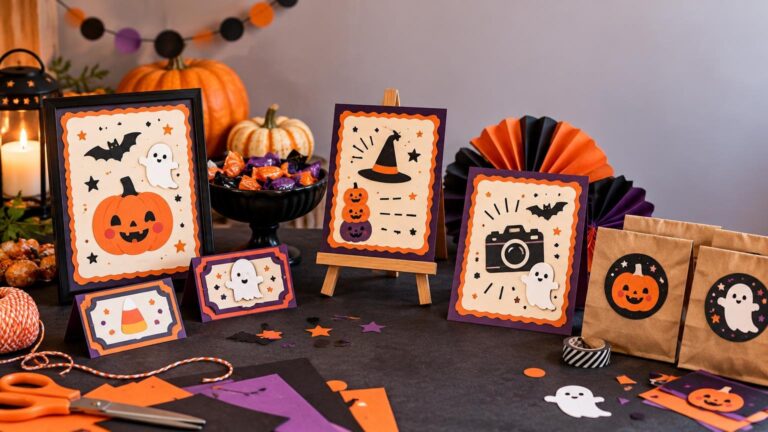
Printable Halloween Party Signs for Food, Games, and Photo Areas
Plan a coordinated set of printable Halloween signs for entrances, food tables, games, photo areas and favors, with practical wording, sizes and printing advice.
Read more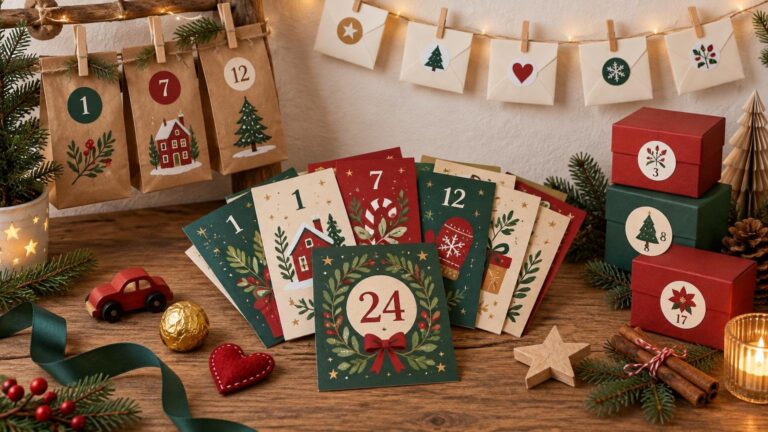
Printable Advent Calendar Cards: Prompts, Treats, and Family Activities
Create a personalized Christmas countdown with numbered cards, family activities, kindness prompts, treats, and three simple display ideas.
Read more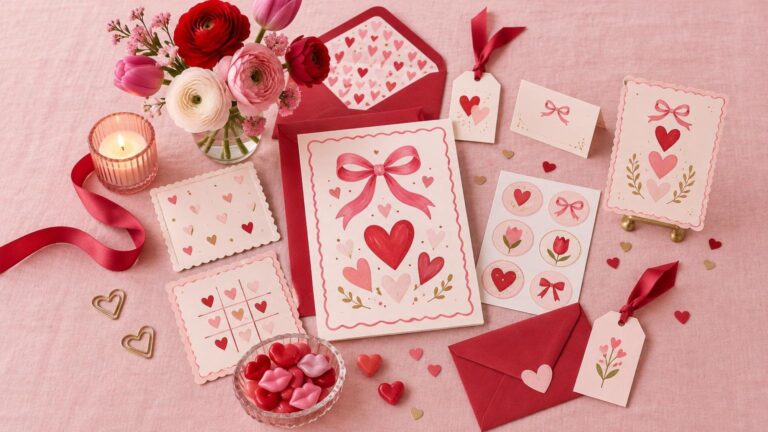
Galentine’s Party Printables That Feel Fun Without Looking Juvenile
Build a polished Galentine’s party kit with coordinated invitations, games, signs, labels and favor tags, plus practical printing and quantity guidance.
Read more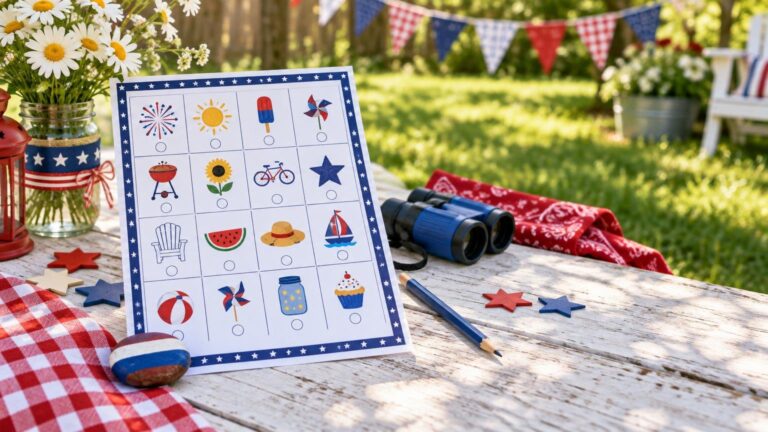
A Printable Fourth of July Scavenger Hunt for Family Gatherings
Turn a backyard party, classroom celebration, or family picnic into a patriotic search with this printable 16-item scavenger hunt and adaptable game rules.
Read more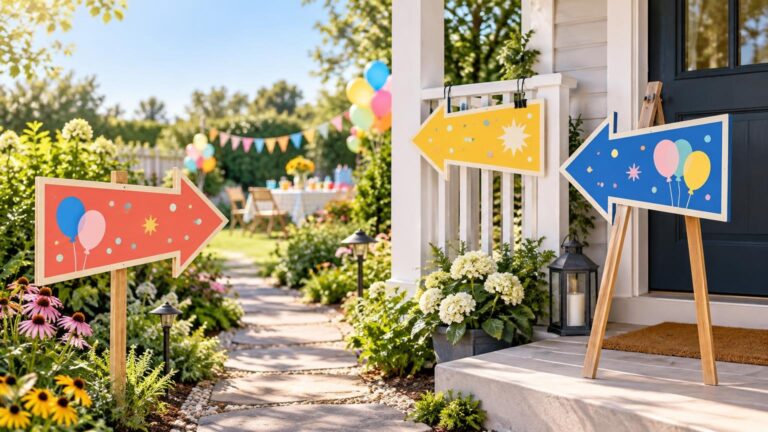
Directional Party Signs: Arrows, Contrast, and Where Guests Actually Need Help
Plan clear printable party directional signs with useful wording, bold arrows, flexible sizes, reliable print setup, and sensible mounting for indoor or outdoor events.
Read more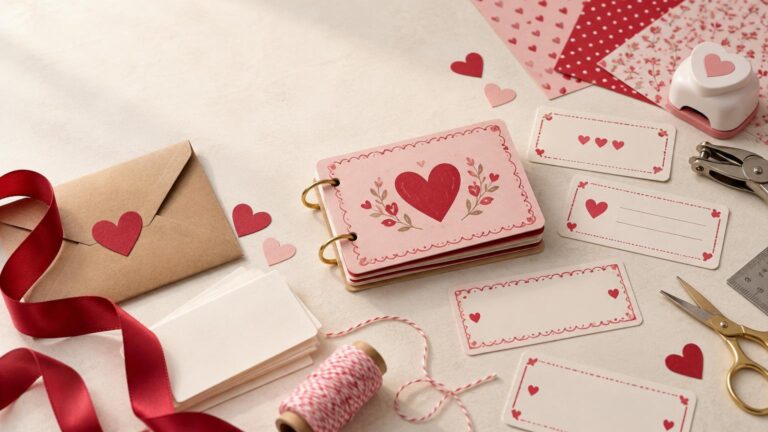
How to Make a Printable Valentine Coupon Book People Will Actually Use
Create a thoughtful Valentine coupon book with realistic offers, clear redemption details, practical printing dimensions, and easy binding options.
Read more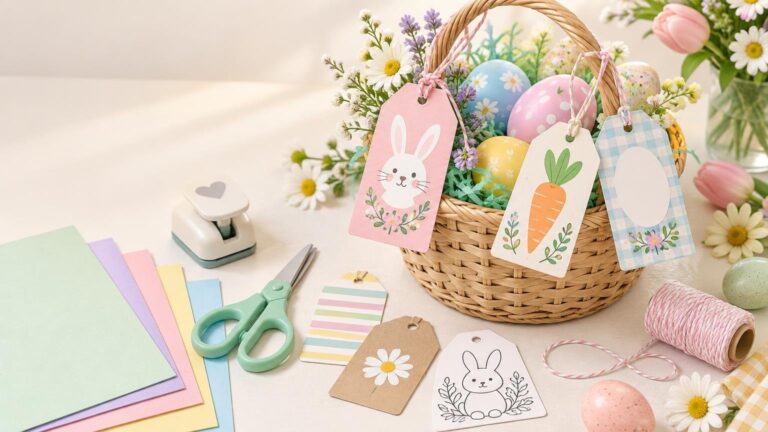
Easter Basket Tags: Printable Designs for Kids, Classrooms, and Family Gifts
Create polished Easter basket tags with practical dimensions, cheerful design themes, low-ink options, and clear instructions for printing, cutting, and attaching them.
Read more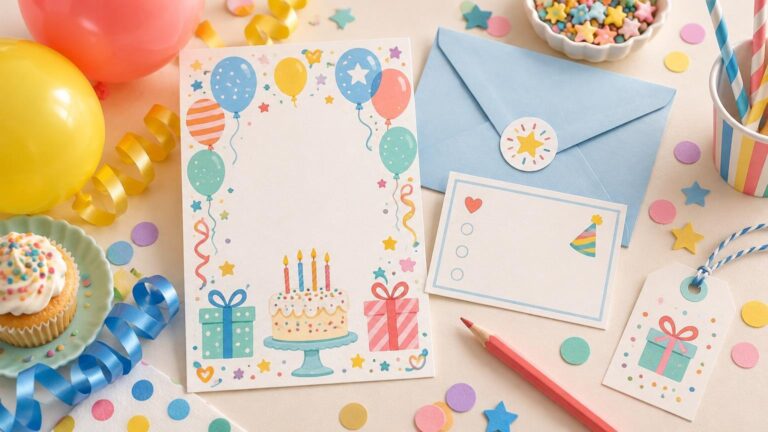
How to Word a Kids’ Birthday Invitation Clearly
Use a simple, copyable formula to write a friendly kids’ birthday invitation, including clear RSVP, parent, sibling, food, gift, and activity details.
Read more
Where Can I Order Custom Bumper Stickers Online for Halloween, Holidays and Events?
TLDR If you want to turn Halloween artwork, holiday graphics, event logos, or funny seasonal designs into vehicle stickers, several online printers can do it. CustomStickers.com is a strong place to start because…
Read moreMake the Details Work Together
A successful seasonal project does not need the most elaborate artwork or the longest supply list. It needs a clear purpose, a visual hierarchy, and materials suited to the way the piece will be used. A porch sign must remain readable at a distance; a favor label must fit its container; a classroom printable must be manageable to reproduce and distribute. Small decisions about scale, contrast, and placement often do more than adding another decorative element.
Use the site to refine an idea, compare formats, solve a production problem, or build a coordinated collection. Begin with the item people need first, settle its size and message, and then carry the same colors, type, shapes, and motifs into supporting pieces. That simple sequence keeps a celebration cohesive without making every element identical, and it leaves room for handmade touches where they matter most.